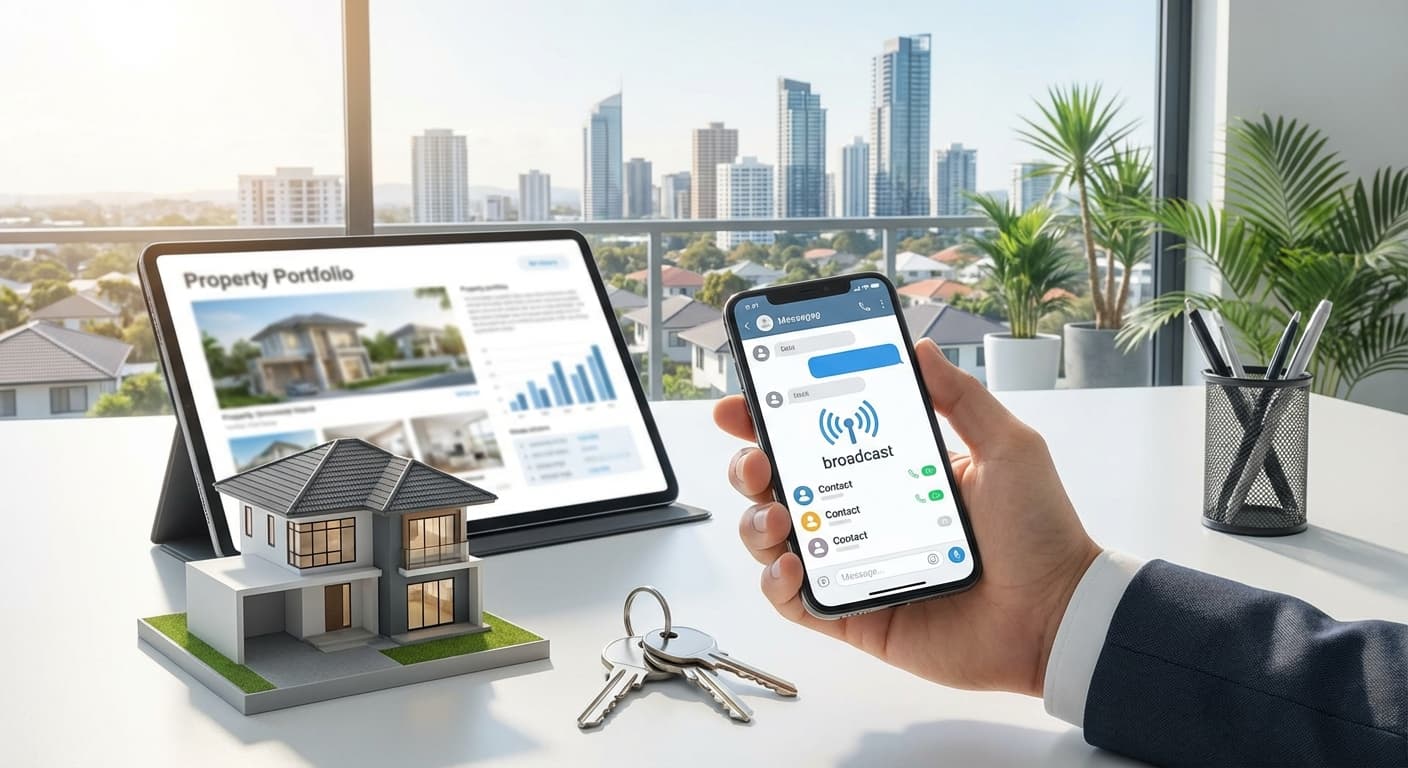
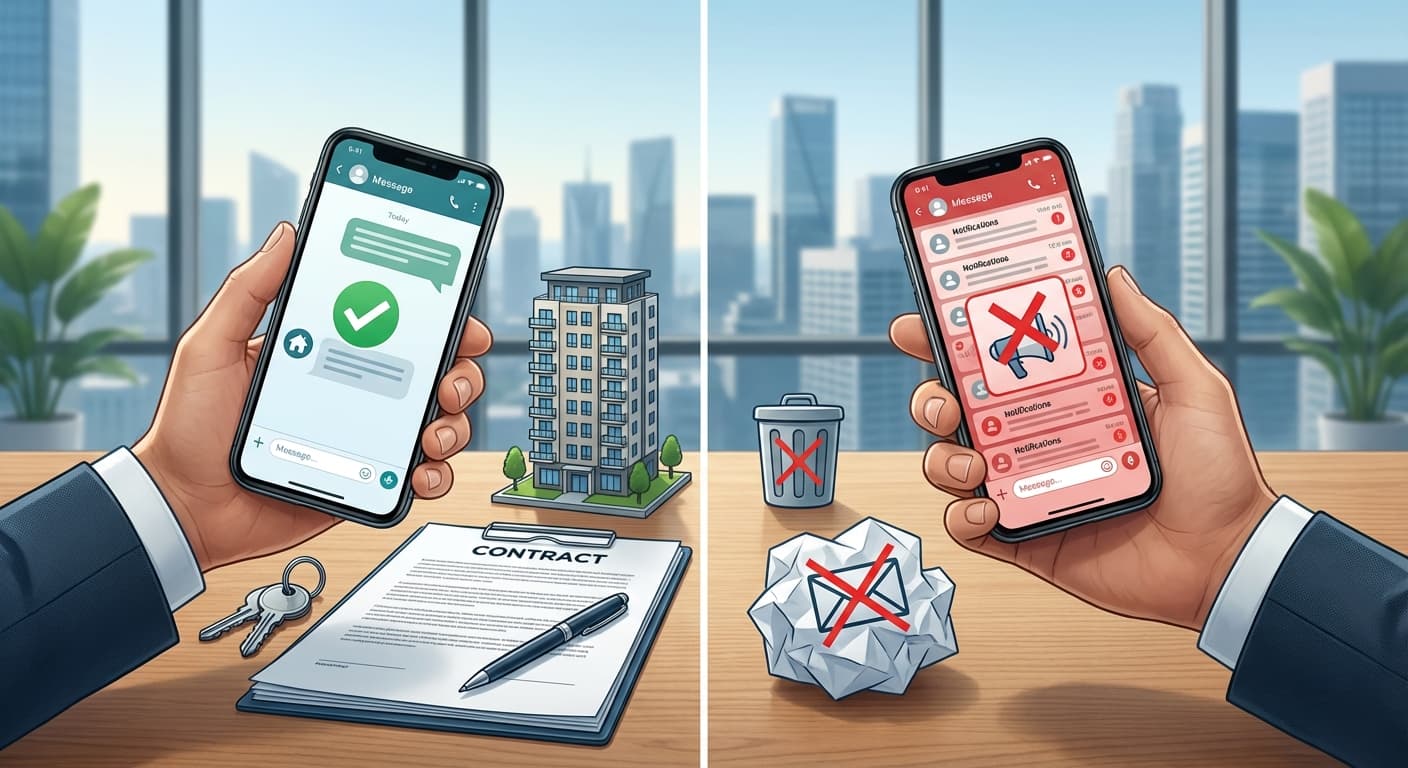
Bayangkan Anda punya 50 listing properti dan ingin share ke WhatsApp. Tanpa tools yang tepat, Anda harus: buka file → pilih foto → kirim satu per satu → ulang untuk setiap kontak. Ini memakan waktu! Artikel ini akan membahas cara share properti ke WhatsApp dengan 1 klik, hemat waktu dan lebih profesional.
Key Takeaways
- Cara share properti ke WhatsApp dengan 1 klik
- Tools yang memudahkan sharing property listing
- Setup WhatsApp share button di website/bio link
- Best practices untuk WhatsApp sharing
- Comparison: manual vs automated sharing
- Manual: 30-50 menit
- Buka folder cari foto
- Pilih satu-satu
- Ulang untuk setiap kontak
- Lupa kirim ke siapa
- Lupa follow up
- Tidak tahu siapa yang buka
- Tidak tahu siapa yang tertarik
- Kirim foto terpisah (tidak rapi)
- Tidak ada link ke detail
1. Masalah: Sharing Property Manual Itu Lambat
Time Analysis: Manual Sharing
| Activity | Waktu | Frequency |
|---|---|---|
| Cari foto di galeri | 30-60 detik | Setiap properti |
| Pilih 5-10 foto | 30-60 detik | Setiap properti |
| Tulis caption | 1-2 menit | Setiap properti |
| Share ke WhatsApp | 30-60 detik | Per kontak |
| Total per properti | 3-5 menit | - |
Untuk 10 leads:
Dengan 1-klik share: 2-5 menitTime saved: 85-90%!
Pain Points Manual Sharing:
❌ Lambat & inefficient
❌ Mudah lupa
❌ Tidak trackable
❌ Tidak profesional
2. Solusi: 1-Click WhatsApp Share
Apa itu 1-Click WhatsApp Share?
Fitur yang memungkinkan Anda share seluruh listing properti
dengan SATU klik tombol, yang berisi:
✅ Link ke properti lengkap (foto, video, spesifikasi)
✅ Pre-filled message (otomatis ada caption)
✅ Direct ke WhatsApp (bisa kirim ke banyak kontak)
Flow:
[User klik tombol share WhatsApp]
 ↓
[WhatsApp terbuka dengan pesan pre-filled]
 ↓
[User pilih kontak untuk kirim]
 ↓
[Done! Semua terkirim dalam 1 klik]
3. Implementasi #1: Katroom (Recommended)
Cara Setup di Katroom:
Step 1: Daftar & Add Property
katroom.com- Daftar di
- Add property dengan foto & detail lengkap
- Property akan mendapatkan unique URL
Step 2: Share Button Otomatis
Setiap property di Katroom otomatis punya tombol share:
[Tombol Share WhatsApp]
↓
[WhatsApp opens with message like:]
"Halo, saya tertarik dengan properti ini:
[Link Property]

Mohon info lebih lanjut ya! 😊"
Fitur di Katroom:
- ✅ Share ke WhatsApp dengan 1 klik
- ✅ Link ke property lengkap
- ✅ Pre-filled message (customizable)
- ✅ Track siapa yang klik link
- ✅ Analytics & reporting
Benefits Katroom:
| Fitur | Benefit |
|---|---|
| 1-Click Share | Hemat 85% waktu |
| Professional Link | Lebih trusted |
| Analytics | Tahu performa tiap properti |
| Bio Link Integration | Centralized all property |
| WhatsApp Catalog | Sync otomatis |
4. Implementasi #2: Custom Website dengan WhatsApp Share Button
Jika Anda punya website sendiri, tambahkan tombol share.
HTML Implementation:
Basic WhatsApp Share Button:
<a href="https://wa.me/?text=Check%20out%20this%20property%3A%20https%3A%2F%2Fyoursite.com%2Fproperty" target="_blank" class="whatsapp-share-btn">
 Share ke WhatsApp
</a>
Advanced dengan Property Data:
<script>
function shareToWhatsApp(property) {
 const message = `Halo, saya tertarik dengan properti ini:

📍 ${property.title}
💰 Rp ${property.price}

Lihat detail lengkap: ${property.url}

Mohon info lebih lanjut ya! 😊`;

 const encoded = encodeURIComponent(message);
 const url = `https://wa.me/?text=${encoded}`;
 window.open(url, '_blank');
}
</script>

<button onclick="shareToWhatsApp({
 title: 'Rumah Minimalis BSD',
 price: '1.5M',
 url: 'https://yoursite.com/properti/rumah-bsd'
})">
 📱 Share ke WhatsApp
</button>
Styling Button:
.whatsapp-share-btn {
 background: #25D366;
 color: white;
 padding: 12px 24px;
 border-radius: 8px;
 text-decoration: none;
 font-weight: 600;
 display: inline-flex;
 align-items: center;
 gap: 8px;
}

.whatsapp-share-btn:hover {
 background: #20BD5A;
 transform: translateY(-2px);
}
5. Implementasi #3: WhatsApp Business Catalog Integration
Sync Property ke WhatsApp Catalog
Step 1: Setup WhatsApp Business
- Download WhatsApp Business
- Create business account
- Setup catalog (see article 4.4)
Step 2: Add Properties to Catalog
Manually atau via tools:
- Add property satu per satu
- Upload foto 5-10 per properti
- Add description, price, attributes
- Buka catalog di WhatsApp Business
- Pilih properti yang mau share
- Tap share button
- Send ke kontak/group
Step 3: Share from Catalog
Setelah di catalog:
6. Implementation #4: Using Third-Party Tools
Tools dengan WhatsApp Share Integration:
| Tool | Fitur | Harga |
|---|---|---|
| Katroom | 1-click share, analytics | Mulai Rp 49rb/bulan |
| Bitly | Short link + share | Free/Paid |
| Buffer | Schedule social + WA | $5/bulan |
| Zapier | Automate WA + CRM | $20/bulan |
| WaBot | Full WhatsApp suite | Rp 300rb/bulan |
Comparison:
| Aspect | Katroom | Custom Website | WhatsApp Business |
|---|---|---|---|
| Setup Time | 5 menit | 2-5 jam | 30-60 menit |
| Ease of Use | ⭐⭐⭐⭐⭐ | ⭐⭐⭐ | ⭐⭐⭐⭐ |
| Analytics | ✅ Advanced | ⚠️ Manual | ⚠️ Basic |
| 1-Click Share | ✅ Native | ⚠️ Custom | ⚠️ From catalog |
| Cost | Low | Medium-High | Free |
| Best For | Agent pemula & pro | Developer | Agent individual |
7. Best Practices untuk WhatsApp Sharing
✅ DO's:
1. Share Link, Bukan Foto Terpisah
❌: Kirim 10 foto terpisah
✅: Kirim 1 link yang berisi semua foto + info
2. Use Short, Descriptive Message
❌: "Halo kak, mau lihat rumah gak? Ini..."
✅: "Halo Budi, rumah 2 lantai di BSD - diskon 100jt!
 Lihat foto & video lengkap: [link]"
3. Always Include CTA
✅: "Minat jadwal viewing? Reply 'VIEWING' ya!"
✅: "Mau video location? Klik ini: [link]"
4. Personalize for Each Recipient
❌: Same generic message to everyone
✅: "Halo [Name], I remember you were looking for..."
5. Send to Right Segment
❌: Send luxury property to budget buyers
✅: Segment & send relevant properties
❌ DON'Ts:
❌ Share long URL (use shortener like katroom.com/xyz)
❌ Share without context (just link)
❌ Share to wrong segment
❌ Spam every day with new listings
❌ Share broken/invalid links
8. Advanced: Automasi WhatsApp Sharing
Workflow Automation:
[Property Listed in Katroom/Website]
 ↓
[Auto-generate WhatsApp share link]
 ↓
[Auto-add to WhatsApp Business catalog]
 ↓
[Ready for 1-click share]
Tools for Automation:
Zapier + WhatsApp Business API:
Trigger: New property in Katroom
 ↓
Action: Create product in WA catalog
 ↓
Action: Send notification to leads
Custom Automation (with developer):
- Auto-share new listing to warm leads
- Auto-follow up based on link clicks
- Auto-add interested leads to CRM
- Manual share: 10 properties × 10 leads = 100 chats
- Time: 5 jam/hari
- Conversion: 2%
- 1-click share: 10 properties × 10 leads = 100 chats
- Time: 30 menit
- Conversion: 6%
- Share foto via email
- Low engagement
- Difficult to track
- Share via WhatsApp with link
- High engagement
- Full analytics
- Test link before sending
- Use URL shortener
- Check for typos
- Check wa.me link format
- Ensure phone number correct
- Try on different device
- Keep message < 1000 characters
- Use link for details
- Remove unnecessary info
- Personalize message
- Send to right segment
- Improve property listing quality
- Daftar di Katroom untuk 1-click share
- Add semua property dengan lengkap
- Test share link sebelum kirim ke klien
- Use analytics untuk improve
- Consistent sharing, bukan spam
- 1-click WhatsApp share
- Professional property links
- Built-in analytics
- Bio link integration
9. Measuring Success: KPI
| Metric | Manual | 1-Click Share | Improvement |
|---|---|---|---|
| Time per Share | 3-5 menit | 5-10 detik | 90% lebih cepat |
| Click-Through Rate | N/A | 25-40% | Trackable |
| Lead Quality | Low | High | Pre-qualified |
| Conversion Rate | 2-3% | 5-8% | 2x lebih tinggi |
10. Real-World Examples
Case Study 1: Agent Budi
Before:
After (Katroom):
Result: 90% time saved, 3x conversion
Case Study 2: Agent Siti
Before:
After (WhatsApp Business + Katroom):
Result: 50% more inquiries, 2x more closings
11. Troubleshooting
Issue 1: Link Not Working
Solution:
Issue 2: WhatsApp Not Opening
Solution:
Issue 3: Message Too Long
Solution:
Issue 4: Low Response Rate
Solution:
Kesimpulan
Sharing property ke WhatsApp dengan 1 klik bukan hanya tentang kecepatan, tapi juga tentang profesionalisme dan conversion yang lebih tinggi. Tools seperti Katroom membuat ini mudah untuk semua agent properti.
✅ Action Items:
📖 Baca Juga:
Panduan WhatsApp Marketing untuk Agent Properti Cara Membuat Katalog Properti Online yang Profesional WhatsApp Business: Fitur Wajib Digunakan Agent PropertiMulai Share Properti dengan 1 Klik Sekarang!
Daftar di Katroom dan dapatkan: