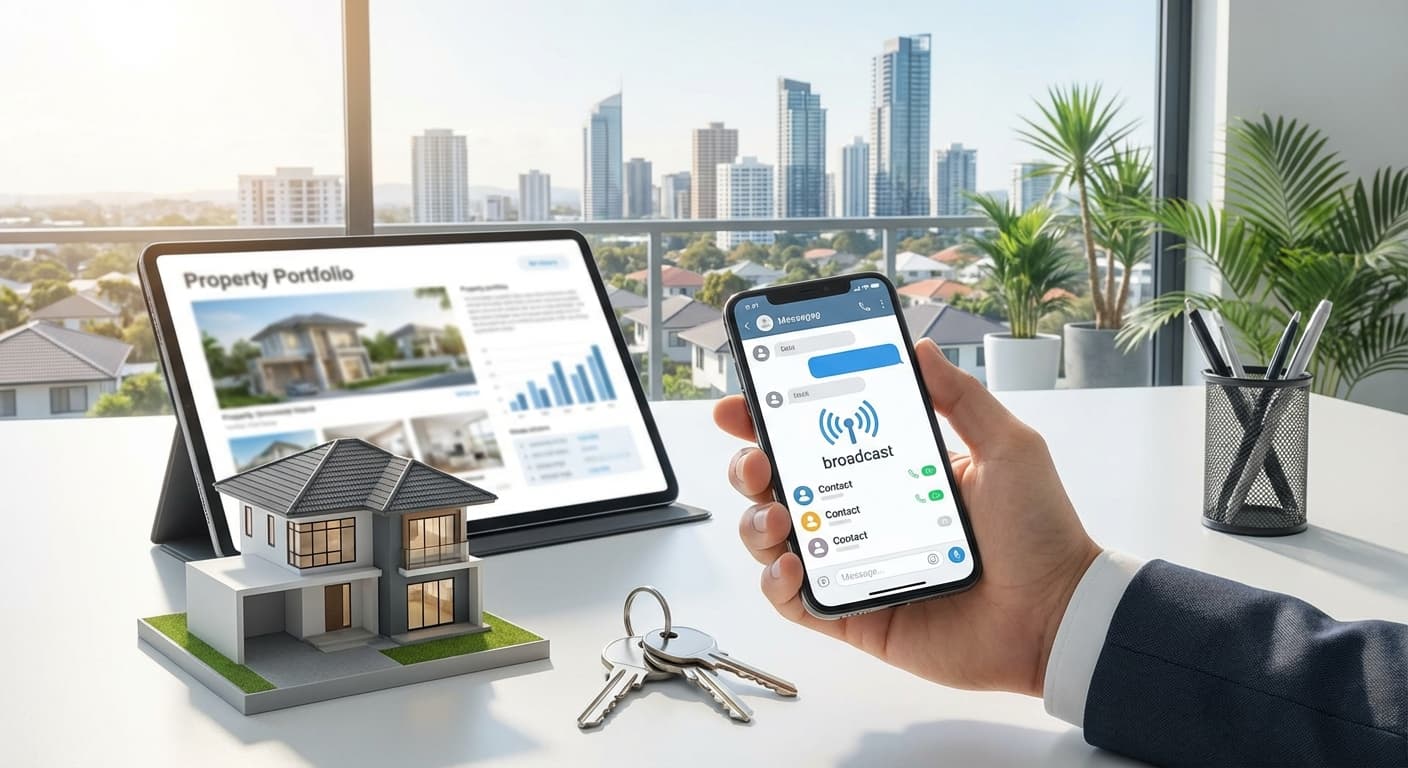
WhatsApp Catalog adalah fitur WhatsApp Business yang memungkinkan Anda menampilkan katalog produk/properti dalam format yang profesional seperti e-commerce. Untuk agent properti, ini adalah cara terbaik untuk showcase semua listing Anda dalam satu tempat yang mudah diakses oleh calon pembeli.
Key Takeaways
- Cara membuat dan setup WhatsApp Catalog untuk properti
- Best practices untuk catalog organization
- Tips foto dan deskripsi yang menarik
- Cara share catalog ke calon pembeli
- Integration dengan tools lain seperti Katroom
- Tampilkan semua listing dalam format gallery
- Easy browsing seperti e-commerce
- Professional look & feel
- Share seluruh catalog dengan 1 link
- Share individual product dengan 1 tap
- Integrated ke WhatsApp chat
- Catalog selalu bisa diakses kapan saja
- Tidak perlu kirim foto berulang-ulang
- Update real-time
- ✅ Foto minimum 5, maksimal 10 per properti
- ✅ Nama properti (title)
- ✅ Deskripsi lengkap
- ✅ Harga
- ✅ Spesifikasi (LT, LB, KT, KM, dll)
- ✅ Lokasi lengkap
- ✅ Link ke detail (opsional tapi recommended)
- Minimum: 500 x 500 pixels
- Recommended: 1080 x 1080 pixels (square)
- Maximum: 5MB per foto
- Bright dan well-lit
- Show entire room (not too close)
- Horizontal untuk wide shots
- Clean dan clutter-free
- Professional staging helps
- (1-2 foto) - First impression
- (1-2 foto) - Main space
- (1 foto) - Important area
- (1-2 foto) - Selling point
- (1 foto)
- (pool, garden, dll)
- Pastikan sudah install WhatsApp Business
- Login dengan nomor bisnis Anda
- Klik titik tiga (⋮) di pojok kanan atas
- Pilih
- Tap
- Tap
- Pilih (jika belum ada)
Atau add ke existing catalog - Tap
- Pilih 5-10 foto terbaik
- Upload (otomatis tersusun rapi)
1. Apa itu WhatsApp Catalog?
Understanding WhatsApp Catalog:
WhatsApp Catalog adalah fitur di WhatsApp Business yang memungkinkan:
✅ Showcase Products/Properties
✅ Easy Sharing
✅ Always Available
Benefits untuk Agent Properti:
| Benefit | Impact |
|---|---|
| Professional look | 3x lebih trusted |
| Easy browsing | 2x lebih engagement |
| Centralized listing | Hemat 80% waktu share |
| Real-time updates | Tidak perlu kirim ulang |
| Link sharing | Easy distribution |
2. Persiapan: Sebelum Membuat Catalog
Data yang Perlu Disiapkan:
Untuk Setiap Properti:
Photo Guidelines:
Resolution & Size:
Tips Foto yang Bagus:
Photo Order (Upload Sequence):
Facade/Exterior Living Room Kitchen Bedrooms Bathroom Additional Features3. Step-by-Step: Membuat WhatsApp Catalog
Step 1: Buka WhatsApp Business
Step 2: Access Catalog Menu
"Business Tools" "Catalog"Step 3: Create New Catalog
"Add Catalog" "Create New"Step 4: Add Product/Property
Untuk Setiap Properti:
A. Photos (Wajib)
"Add Photos"B. Name (Wajib)
Format: [Tipe] - [Nama Perumahan] - [Lokasi]

Contoh:
❌ Rumah Bagus Murah
✅ Rumah Minimalis 2 Lantai - BSD City - Sektor 9
✅ Apartemen Studio - Kalibata City - Jakarta Selatan
✅ Ruko 3 Lantai - Grand Wisata - Bekasi
C. Description (Recommended)
Format:
[Tipe Properti]
LT/LB: [X]m² / [X]m²
KT/KM: [X] / [X]
Carport: [X] mobil

💰 Harga: Rp [Harga] (nego)

📍 Lokasi: [Alamat lengkap]

✅ Selling Points:
• [Point 1: misalnya 5 menit ke stasiun]
• [Point 2: misalnya dekat mall & sekolah]
• [Point 3: misalnya bebas banjir]

📝 Additional Info:
• Sertifikat: [SHM/HGB/dll]
• Hadap: [Utara/Selatan/dll]
• Listrik: [X] watt
• Air: [PDAM/sumur]

🏠 Bisa KPR dengan DP mulai [X]%

Hubungi untuk:
• Video tour lengkap
• Surat menyusun
• Jadwal viewing
D. Price (Wajib)
Rp 1.500.000.000

Tips:
- Gunakan nominal penuh (bukan 1.5M)
- Bisa tambahkan "(nego)" kalau bisa dinego
- Bisa tambahkan "(cash & KPR)" kalau both accepted
E. Link (Optional tapi Recommended)
Link ke:
- Website Anda
- Katroom property page
- 99.co listing
- Rumah123 listing

Contoh:
https://katroom.com/properti/rumah-bsd-sektor-9
F. Code/SKU (Optional)
Kode unik untuk internal tracking:
Format: [Area]-[Tipe]-[ID]

Contoh:
BSD-RUMAH-001
BSD-APT-002
BEKASI-RUKO-003
G. Attributes (Optional - Recommended for Real Estate)
Fill these fields:
Bedrooms: Bathrooms: Square Meters: Floor:- [Jumlah]
- [Jumlah]
- [Luas tanah/bangunan]
- [Jumlah lantai]
- Tap atau
- Repeat untuk setiap properti
- Minimum 10-20 properti untuk catalog yang lengkap
- BSD City Collection
- Jakarta Selatan Collection
- Bekasi Collection
- Tangerang Collection
- Under 500 Juta
- 500Jt - 1 Milyar
- 1M - 2 Milyar
- Above 2 Milyar
- Rumah Tapak Collection
- Apartemen Collection
- Ruko & Commercial
- Tanah Kavling
- Available Properties
- Hot Deals (Promo)
- Just Listed (New)
- Coming Soon
- Buat multiple catalogs
- Separate by location/price/type
- Lebih mudah di-manage
- 1 catalog cukup
- Organize dengan kode yang konsisten
Step 5: Save & Repeat
"Save" "Add"4. Organizing Catalog yang Efektif
Kategorisasi Options:
Option 1: By Location
Option 2: By Price Range
Option 3: By Property Type
Option 4: By Status
Best Practice untuk Agent dengan Banyak Listing:
Jika punya > 50 properti:
Jika punya < 50 properti:
5. Best Practices untuk Deskripsi Properti
Do's for Descriptions:
✅ Be Specific with Numbers
❌ "Rumah luas dan bagus"
✅ "LT 150m², LB 180m², 4KT, 3KM"
✅ Highlight Unique Selling Points
✅ "5 menit ke stasiun BSD"
✅ "View langsung danau"
✅ "Bisa KPR tanpa DP"
✅ "Free biaya KPR sampai akad"
✅ Include Practical Info
✅ Sertifikat: SHM
✅ Hadap: Utara
✅ Listrik: 2200 watt
✅ Air: Jetpump + Toren
✅ Use Formatting for Readability
Gunakan:
• Bullet points
• Short paragraphs
• Emojis secukupnya
❌ Don'ts for Descriptions:
❌ Too vague ("rumah bagus", "lokasi strategis")
❌ Too long (> 1000 karakter)
❌ All caps atau too many exclamation marks
❌ Inaccurate information
6. Sharing Catalog ke Calon Pembeli
Method 1: Share Full Catalog
- Buka WhatsApp Business
- Klik titik tiga (⋮) → Business Tools → Catalog
- Tap share icon (↗️)
- Pilih kontak untuk kirim
Method 2: Share Individual Property
- Buka catalog
- Tap pada properti yang mau share
- Tap share icon
- Send ke kontak
Method 3: Share Catalog Link
WhatsApp juga menyediakan link untuk catalog:
Format: https://wa.me/[nomor]?text=[pre-filled message dengan link catalog]
Template Pesan untuk Share Catalog:
Halo [Nama]! 👋

Saya mau share katalog properti lengkap saya.

Ini ada lebih dari 50+ pilihan properti di [Area-area]:
• Rumah mulai Rp 500jt
• Apartemen mulai Rp 300jt
• Ruko & tanah juga ada

Silakan browse ya, kalau ada yang cocok
langsung chat saya! 😊

📱 [Link to catalog / Send via WhatsApp]

Terima kasih!
[Nama Anda]
7. Integration dengan Katroom (Recommended)
Sync WhatsApp Catalog dengan Katroom:
Step 1: Add Property di Katroom
- Upload foto, detail, harga
- Dapat unique URL property
- Gunakan data yang sama
- Link back to Katroom property page
- Keep everything synced
- ✅ Single source of truth
- ✅ Update satu kali, sync ke semua
- ✅ Analytics dari Katroom
- ✅ Professional link (katroom.com/xxx)
- ✅ Update status (sold/available)
- ✅ Add new properties
- ✅ Update harga kalau ada perubahan
- ✅ Remove sold properties
- ✅ Update photos kalau ada yang lebih bagus
- ✅ Review dan improve descriptions
- ✅ Full catalog audit
- ✅ Remove old/expired listings
- ✅ Add fresh photos
- ✅ Reorganize kalau perlu
- Pastikan WhatsApp Business terupdate
- Clear cache WhatsApp
- Re-login jika perlu
- Check file size (maks 5MB)
- Check internet connection
- Resize foto jika terlalu besar
- WhatsApp limit 1024 karakter
- Be concise, use bullet points
- Put detail info di link/website
- Pastikan customer sudah save kontak Anda
- Customer buka profil Anda → tap "Catalog"
- Atau Anda share catalog sendiri
- Budget range (untuk qualified leads)
- Location (untuk buyer di area tertentu)
- Property type (untuk investor vs end-user)
- "Hot Deal - Disc 100jt"
- "Just Listed - This Week Only"
- "Last Unit - Only 2 Available"
- Automate catalog updates
- Sync dengan inventory system
- Get detailed analytics
Step 2: Add to WhatsApp Catalog
Benefits:
8. Maintaining Catalog
Regular Maintenance Tasks:
Weekly:
Monthly:
Quarterly:
9. Troubleshooting
Issue 1: Catalog Not Showing
Solution:
Issue 2: Photos Not Uploading
Solution:
Issue 3: Description Too Long
Solution:
Issue 4: Catalog Not Appearing to Customers
Solution:
10. Advanced Tips
Tip 1: Use Collections untuk Segmentasi
Buat collections berdasarkan:
Tip 2: Add Promo Items
Buat item khusus untuk promo:
Tip 3: Use WhatsApp Business API untuk Advanced Features
Dengan API, bisa:
11. Real-World Examples
Example 1: Good Catalog Entry
Name: Rumah Modern Minimalis - BSD Prime - Sektor 1

Description:
Rumah 2 lantai modern di lokasi PRIME BSD

LT/LB: 120m² / 150m²
KT/KM: 4 / 3
Carport: 2 mobil

💰 Rp 1.850.000.000 (nego)

📍 Sektor 1, BSD City - Tangerang

✅ Selling Points:
• 100 meter dari pintu tol BSD
• 5 menit ke QBD Big Box
• 10 menit ke Stasiun Cisauk
• Dekat IPEKA & BPK Penabur
• Bebas banjir

📝 Spesifikasi:
• SHM + IMB
• Hadap Utara
• Listrik 3500 watt
• Air PDAM
• 2 lantai

🏠 KPR: DP 20%, cicilan mulai Rp 12jt/bulan
Example 2: Bad Catalog Entry
Name: Rumah Bagus

Description:
Rumah bagus murah lokasi strategis siap huni
bisa KPR free biaya-biaya buruan sebelum kehabisan
lokasi bagus banget dekat mana-mana surat lengkap
harga nego tipis minat hubungi kami segera
Kesimpulan
WhatsApp Catalog adalah fitur powerful untuk agent properti. Gratis, mudah di-setup, dan memberikan professional look yang meningkatkan trust dan engagement dari calon pembeli.
✅ Action Items:
- Setup WhatsApp Business (kalau belum)
- Gather semua foto properti terbaik
- Create catalog dengan minimal 10 properti
- Write descriptions yang detail & spesifik
- Organize dengan collections
- Share catalog ke leads dan sosial media
- Update regularly
📖 Baca Juga:
Cara Membuat Katalog Properti Online yang Profesional WhatsApp Business: Fitur Wajib Digunakan Agent Properti Cara Sharing Properti ke WhatsApp dengan 1 KlikMau Catalog yang Lebih Powerful?
Daftar di Katroom dan dapatkan:
- Professional property links
- Automatic WhatsApp share
- Built-in catalog management
- Analytics & lead tracking